
The future of video starts here.
Record your screen, camera, and mic, then go live on 6+ platforms at once, free. One open-source desktop studio: macOS Beta, plus Windows and Linux Alpha.
See the macOS Beta go live to 6+ destinations at once
Create videos. Stream everywhere. Let AI handle the tedious parts.
Videorc brings recording, streaming, and Buddy, an AI that works your chat and edits your recordings, into one desktop workflow. Exact capabilities depend on your platform, build, and plan.
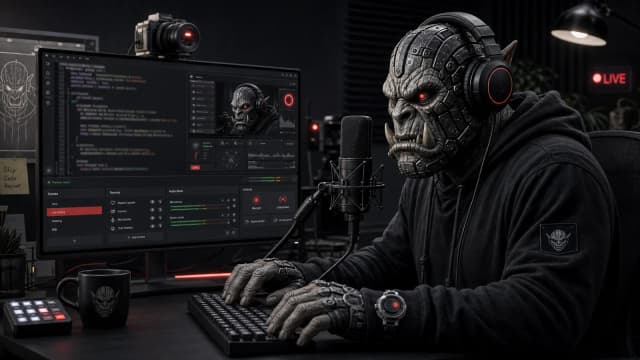
Everything you need in one window
On macOS Beta, the free studio records in 4K, previews, streams up to 4K on YouTube, and multistreams to 6+ platforms at once. Premium adds early live captions, Buddy Live, and Clean cut. Windows and Linux Alpha capabilities are listed per release.
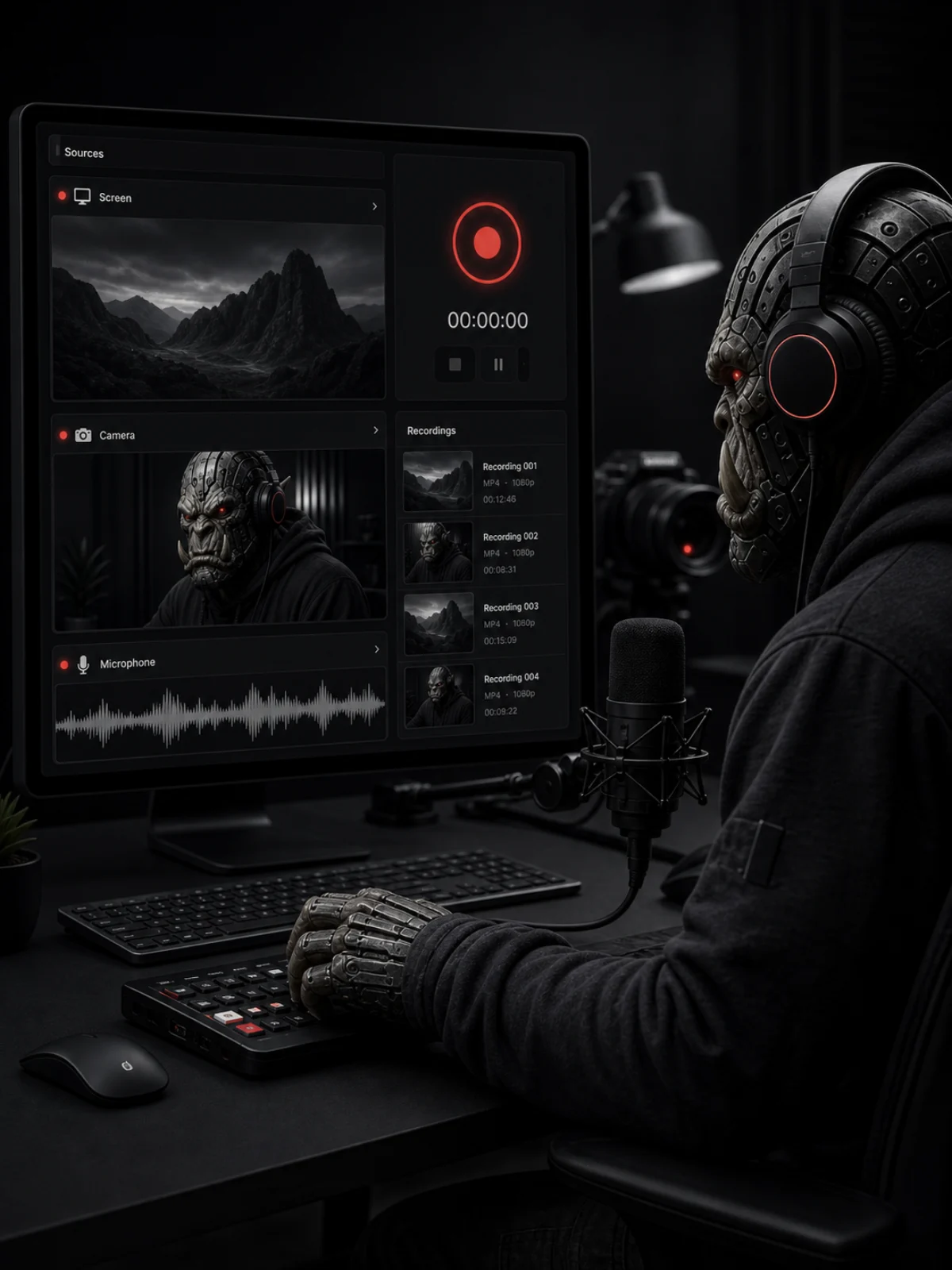
Record locally for free
Capture your screen, camera, and mic in one calm desktop app. The macOS beta supports local recording up to 4K at 60 fps; Windows and Linux Alpha use hardware-tested quality profiles and may recommend a lower setting.
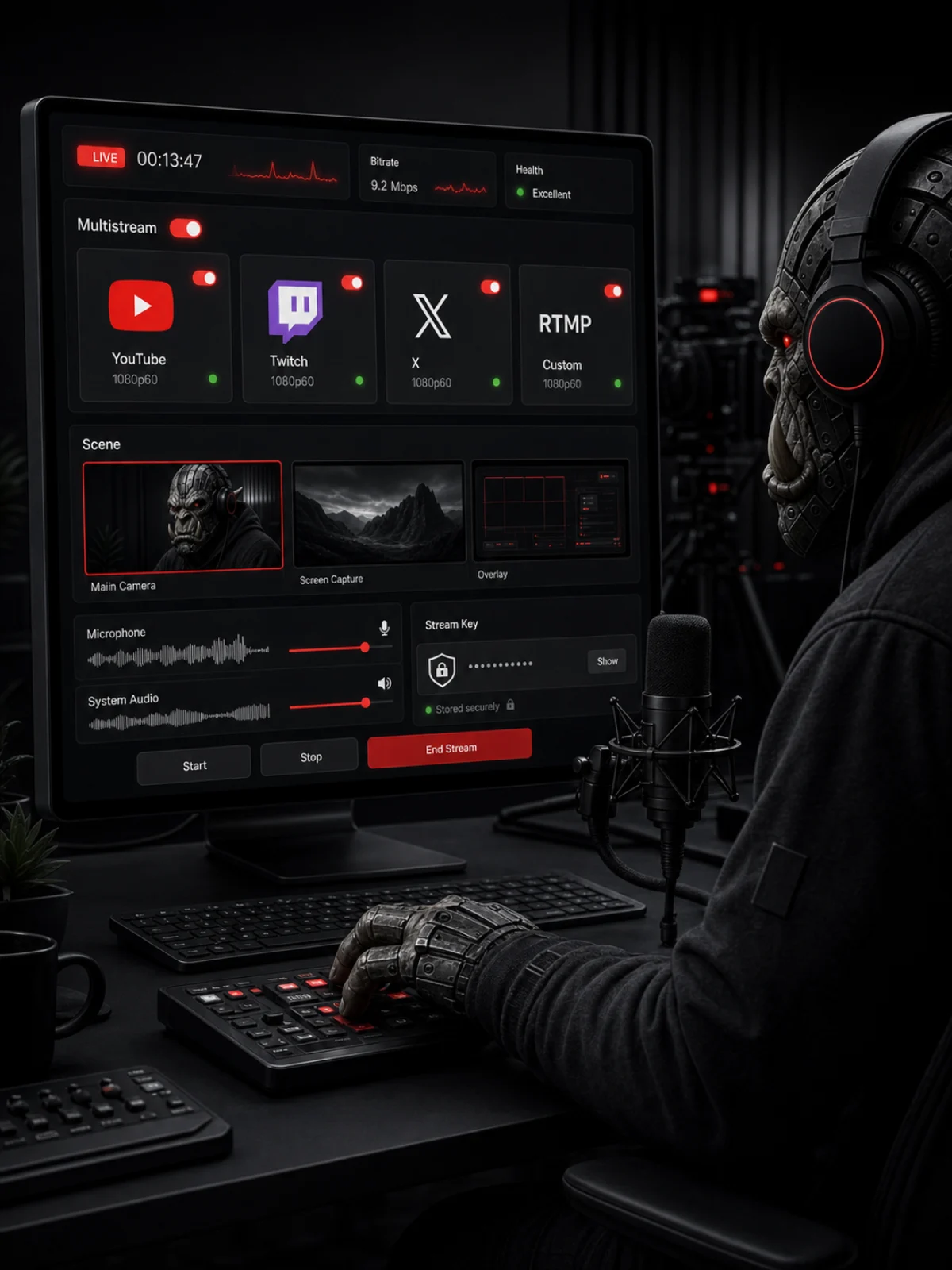
Go live — 6+ platforms, free
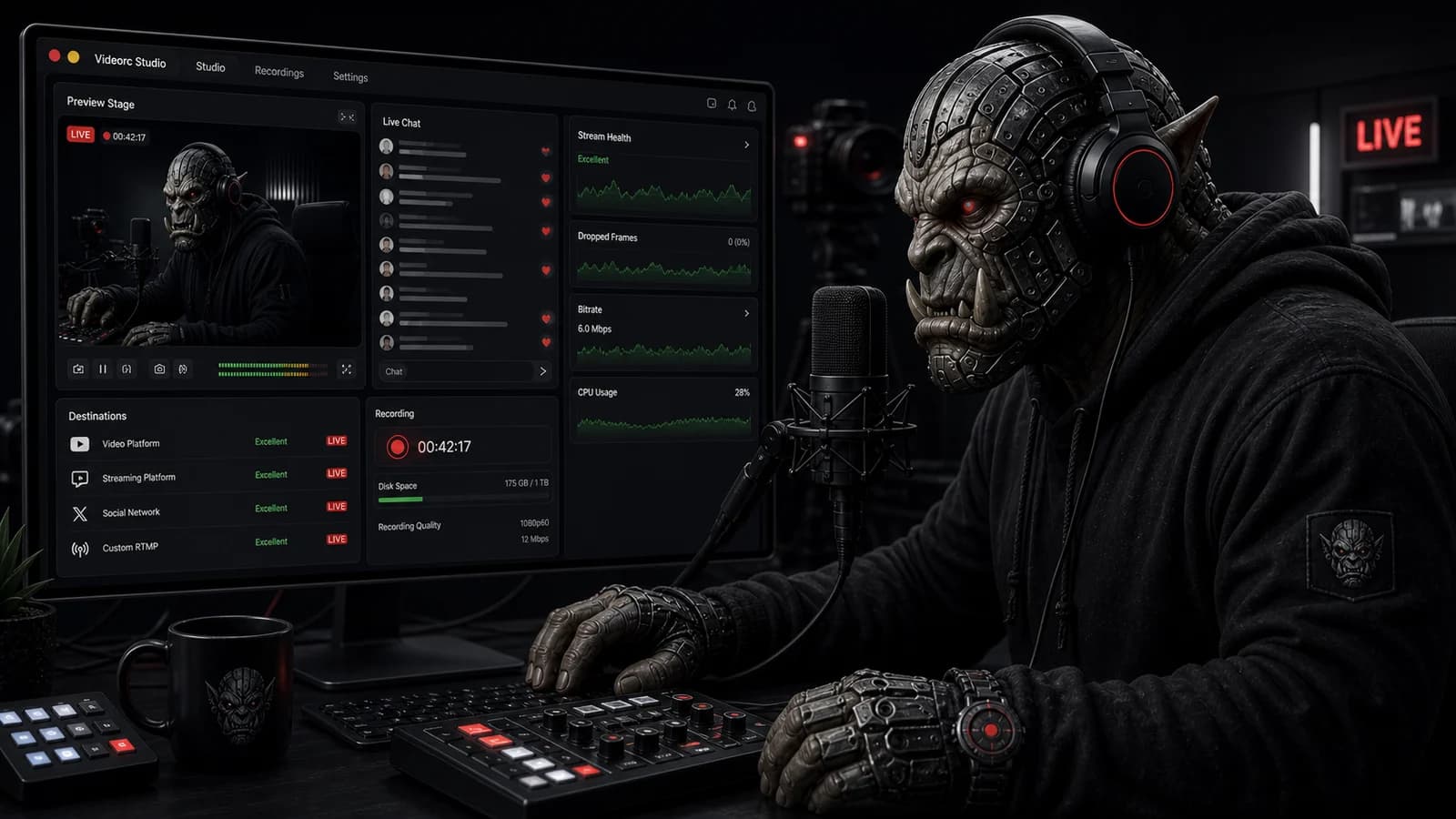
The macOS beta streams to YouTube, Twitch, X, TikTok, Instagram, or any RTMP server — 6+ destinations at once at 1080p30, or a single stream up to 4K30 on YouTube, free. Windows and Linux streaming are advertised only after that OS's release notes prove the same path. How to multistream for free
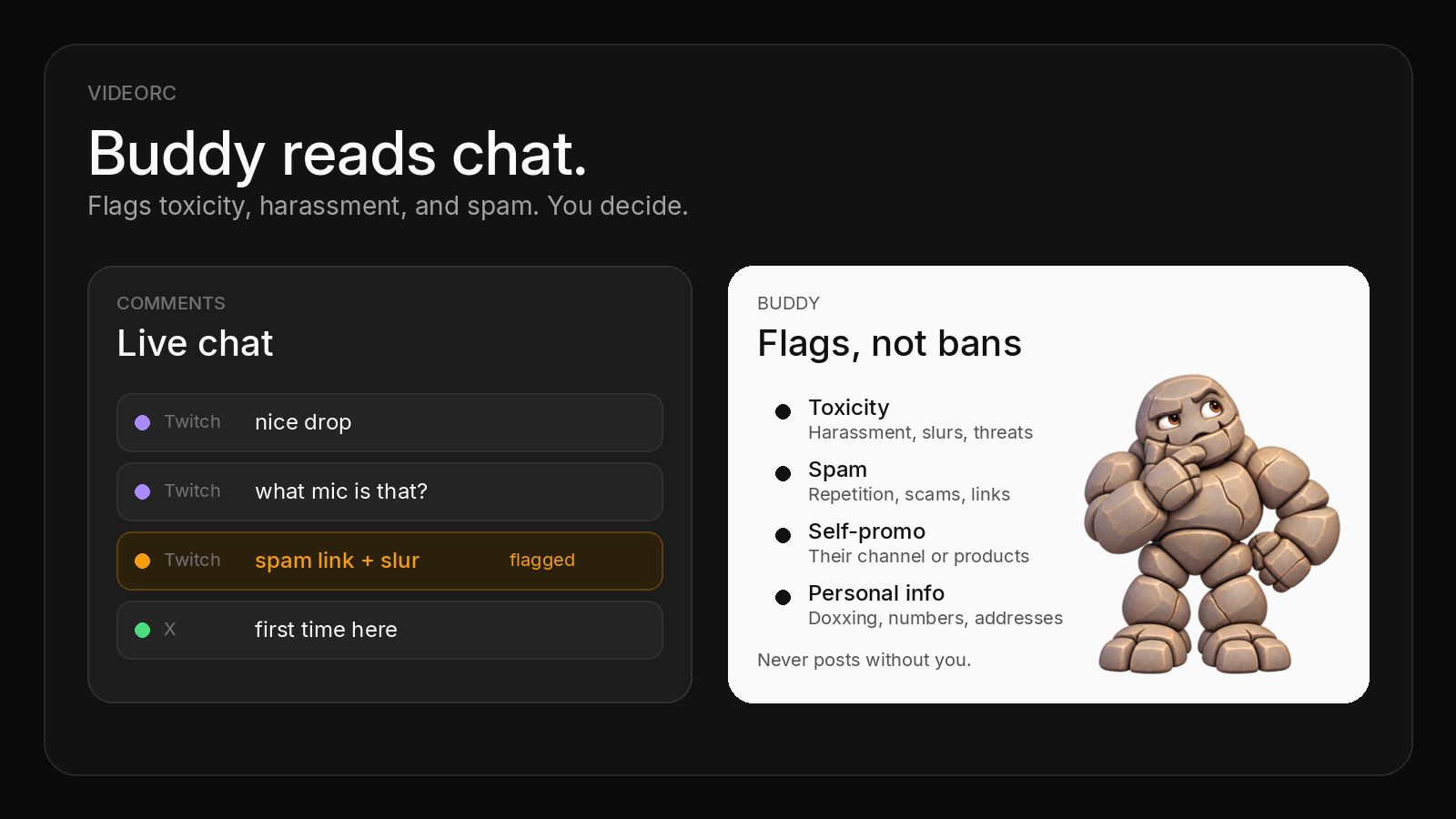
Buddy, a one-of-a-kind co-host AI
Buddy does not exist in any other app. Only in Videorc. In your streams, Buddy Live groups questions, flags problems, and drafts replies you approve. Stop recording, and Clean cut has the edited version ready. Premium, with Buddy Live in alpha. Meet Buddy
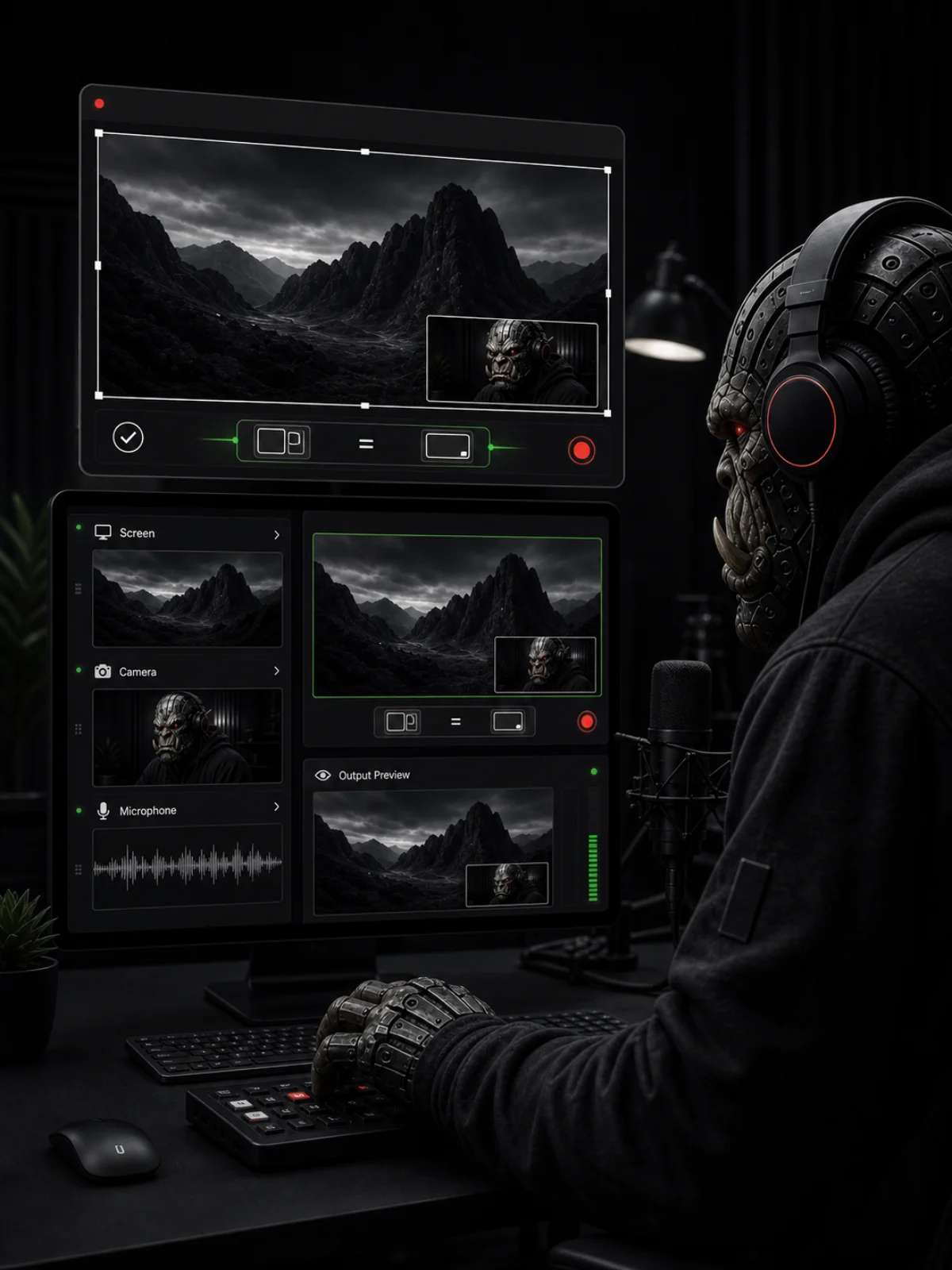
A preview you can trust
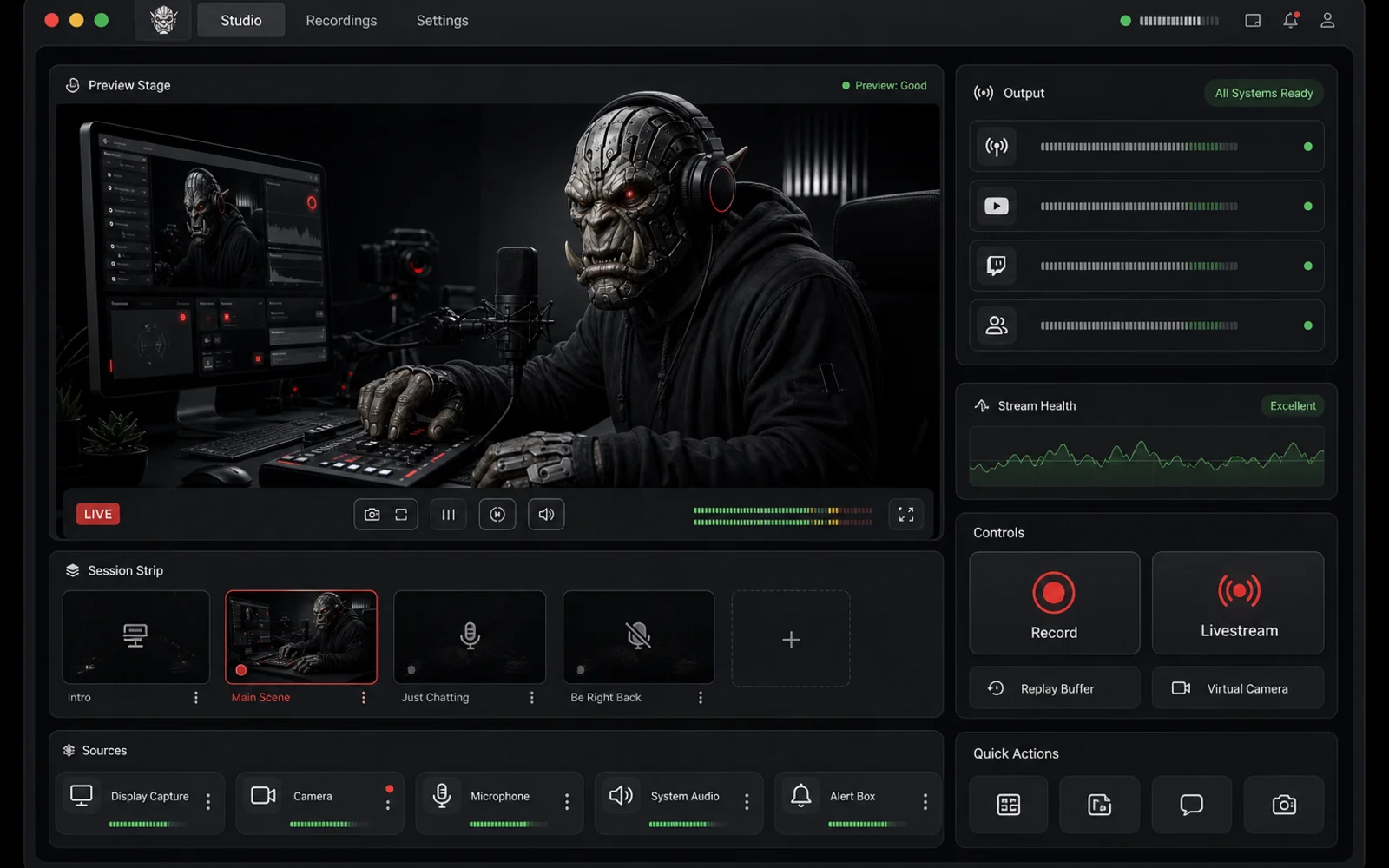
A live preview shows what is being recorded or streamed. Windows Alpha includes a fallback path for troublesome GPUs, with any known device limits listed before download.
Quick and out of the way
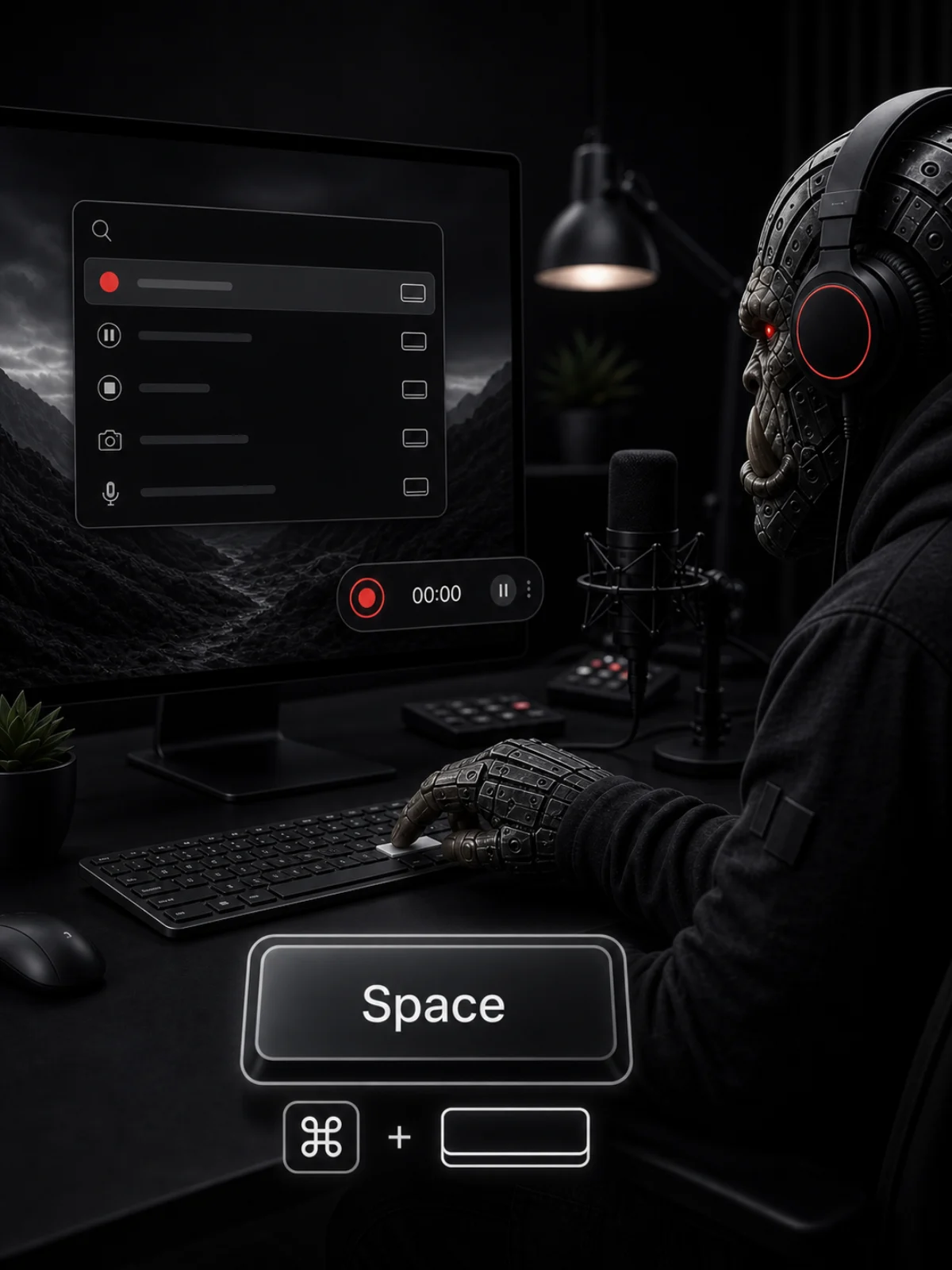
Press Space to start recording and use fast keyboard search to jump anywhere — no digging through menus. Platform-specific shortcuts and permissions stay explicit.
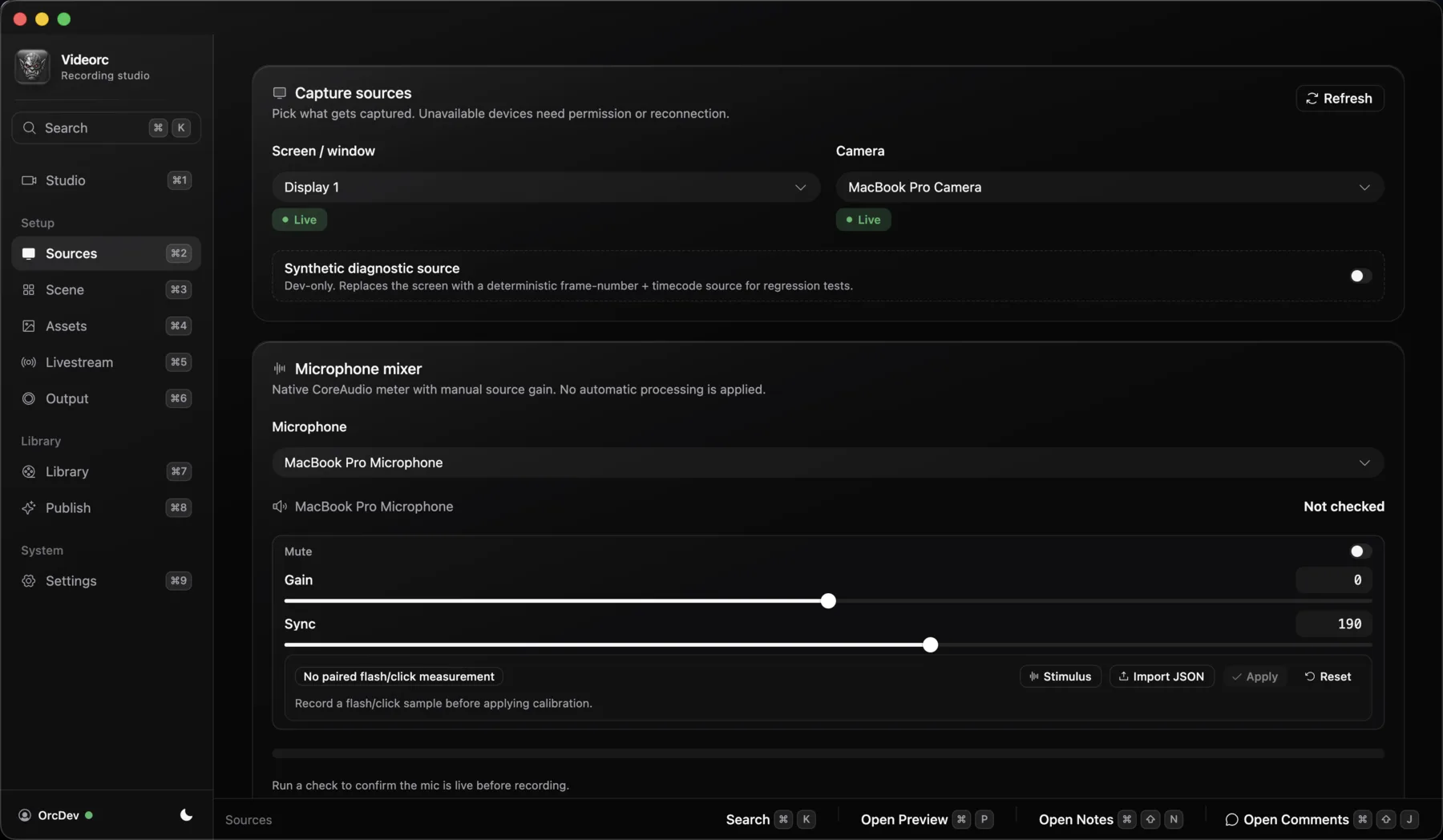
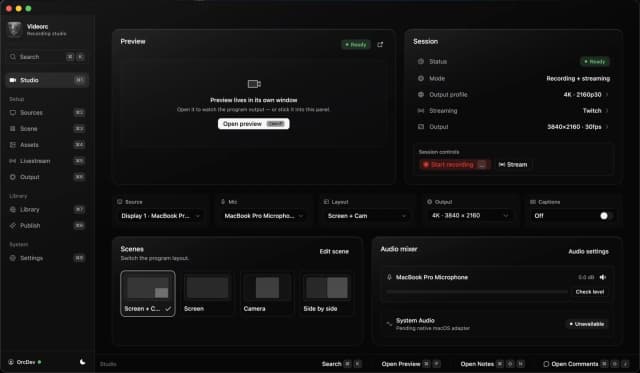
From setup to live in seconds
This macOS beta capture shows the shared studio flow. Windows Alpha screenshots and feature claims stay separate until the corresponding build passes acceptance.
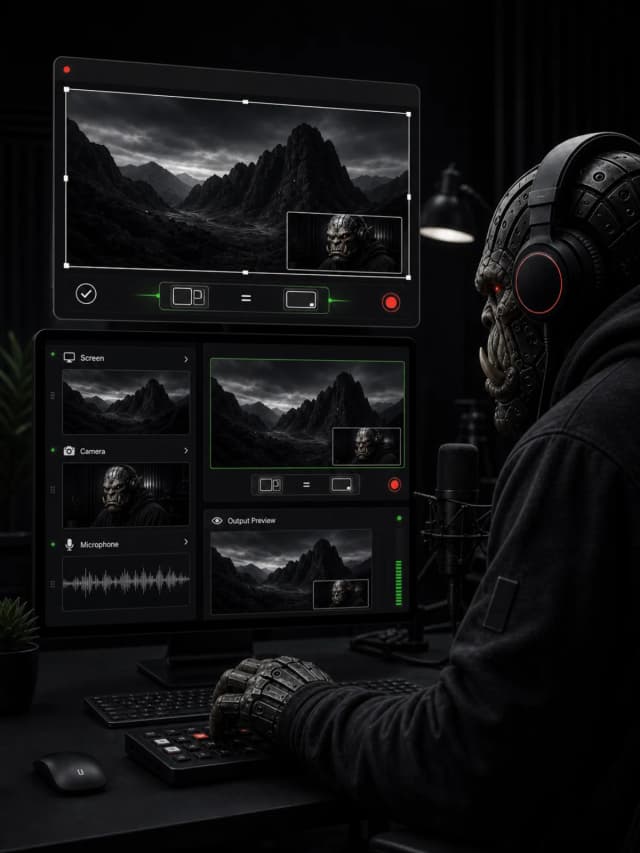
Pick what to capture
Choose your screen, your camera, and your mic, then pick how they're arranged - screen, camera, or side by side. You'll see it come together right away.
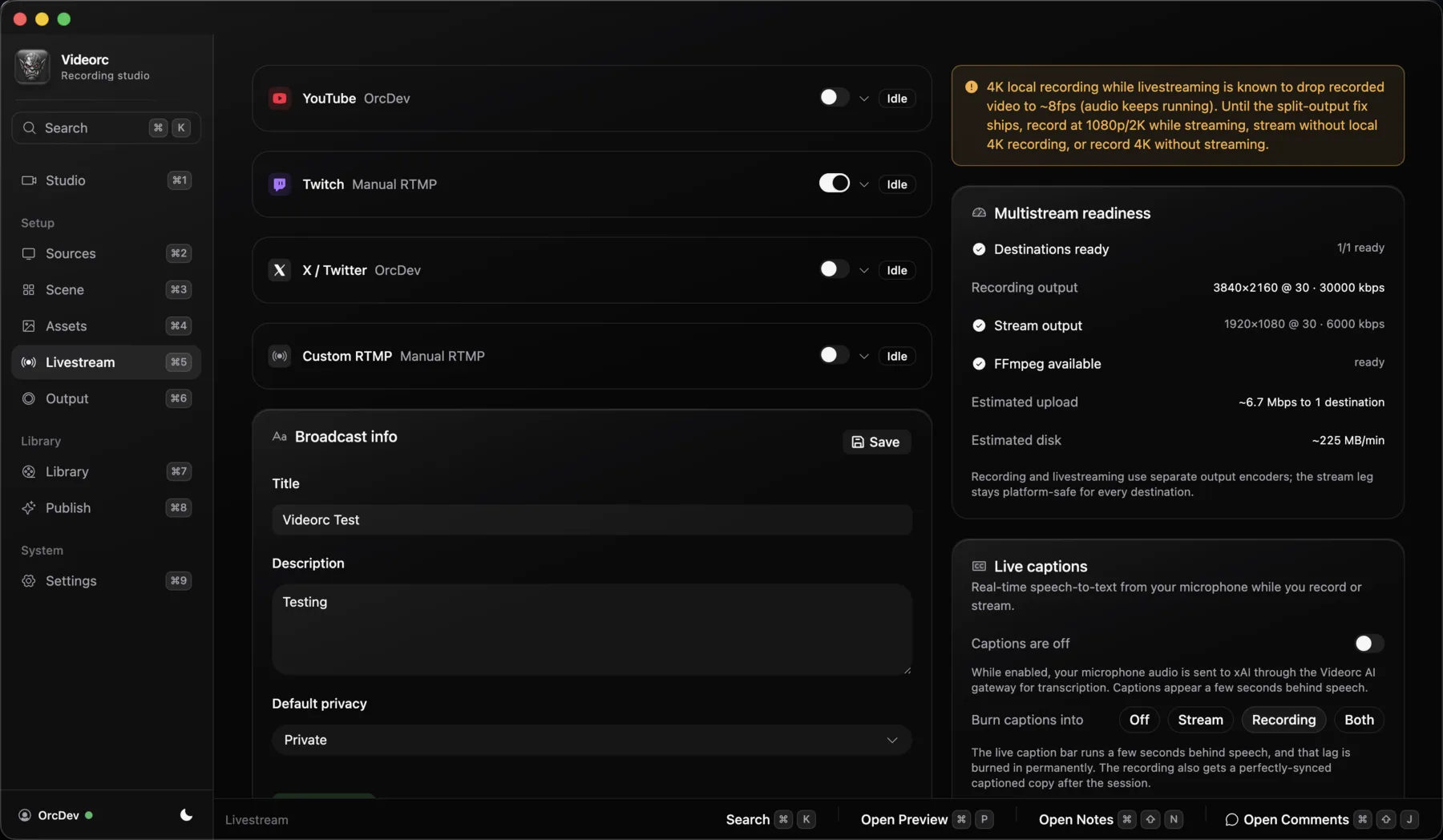
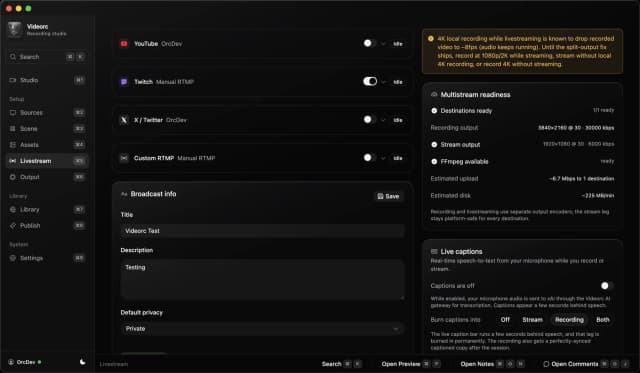
Connect your channels
Connect Twitch and X once, and paste a stream key for YouTube, TikTok, Instagram, or any RTMP server. Videorc remembers them safely and keeps a backup of your stream keys.
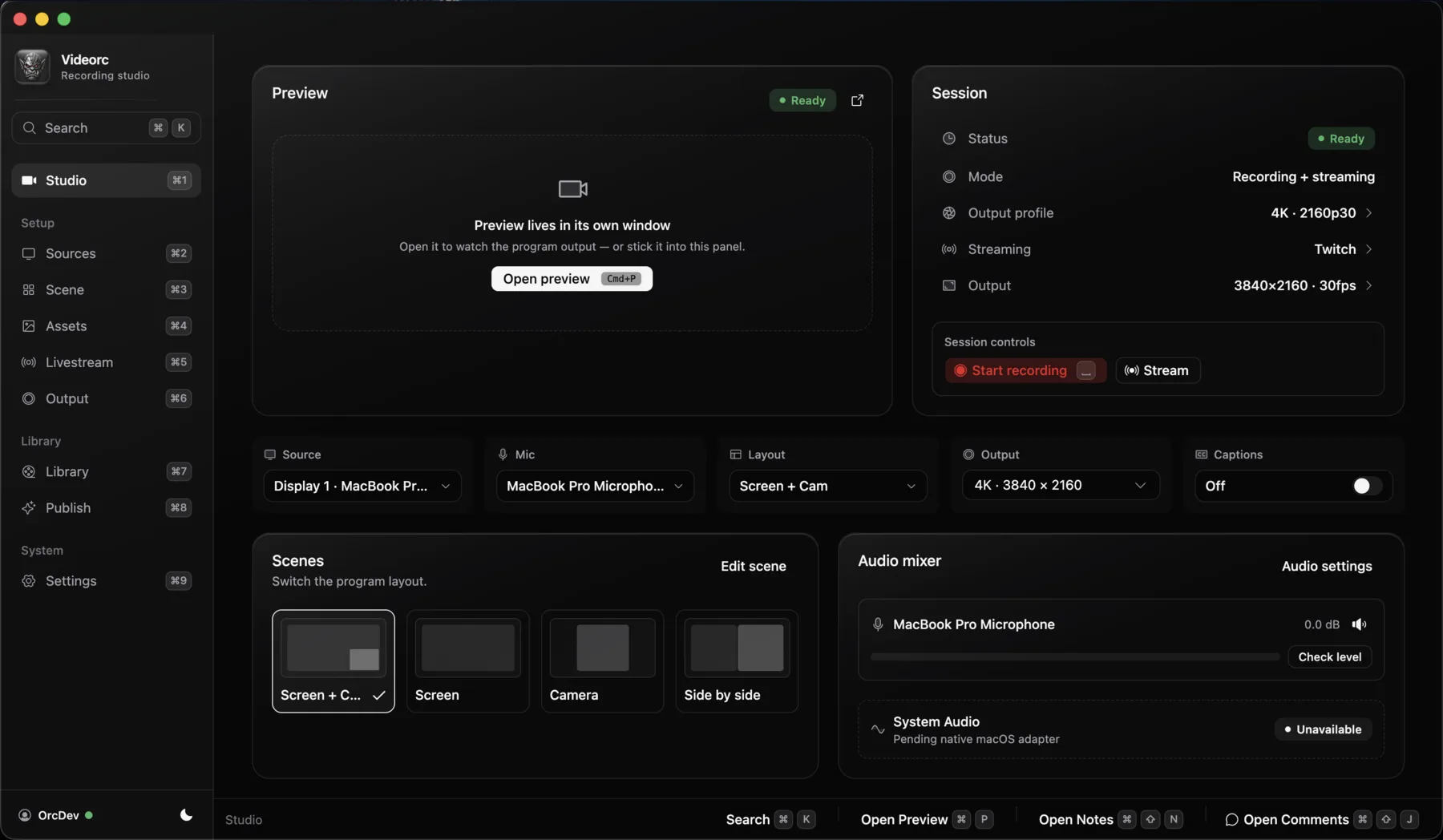
Record, go live, or both
Press Record for a free local video saved on your computer. Premium features are shown only when they are supported by the build and platform you downloaded.
Let Buddy help
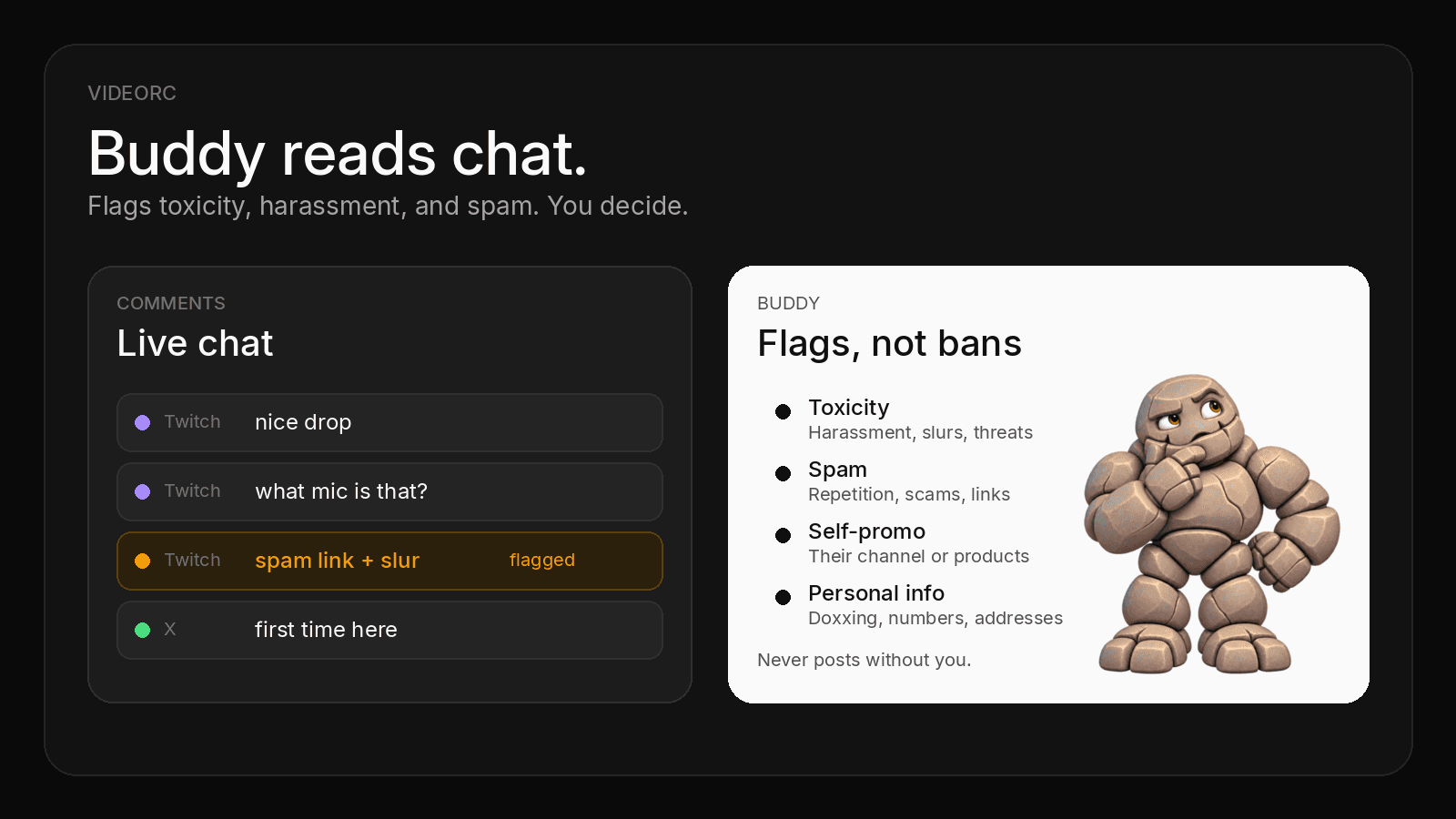
With Premium, Buddy Live catches questions and flags spam while you stream, then saves a report. Stop recording, and Clean cut has the edited version ready. Check the platform release notes for exact capabilities.
What Premium actually buys
Everything in the supported local studio stays free, 4K streaming and multistreaming included. On macOS Beta, Premium adds live captions and Buddy, Videorc's AI; Windows and Linux Alpha availability is listed feature by feature before purchase.
Live captions
Live captions on your stream and recording, with a synced .srt. On macOS Beta, captions ride on your stream; the free studio already streams up to 4K on YouTube and to 6+ destinations at once. Windows and Linux Alpha support is listed per release.
Live with you. Edits after.
In every stream, Buddy Live (alpha) catches questions, drafts replies you approve, and saves a report at the end. Stop recording, and Clean cut has the edited version ready. Windows and Linux Alpha support is listed per release.
Clean cut can also turn a long stream into about 15 minutes. Your original recording is never touched.
Noise cleanup makes a cleaner-sounding copy of a recording, right on your computer.
What people are saying
Real posts from people who tried Videorc and stayed.
“get out of here! this is amazing.”
shadcn
@shadcn
“Damn this looks amazing! Well done 👏👏”
Chris
@chriszeuch
“HUGE 🦖🦖🦖”
Josh tried coding
@joshtriedcoding
“I'll be using this.”
Anthony Shew
@anthonysheww
“Only top quality from the best!”
Massi
@0xMassi
“Recording my first ever video and started falling into the trap of comparing video software. Installed a few. So many settings, paid features, and unnecessary friction. Then I opened @videorc and everything became simpler. I found everything I needed in less than a minute. Free and open source FTW. thx @orcdev”
Bastien
@agonist42
“When I started my channel I used apps that couldn't run, So just used the default screen recorder, until I found @videorc it was so easy to work with the developer @orcdev fixed bugs that I pointed out and even added my contributions. Thanks @orcdev for making such a amazing app.”
JDJCHELP
@jdjchelp
“Starting my youtube channel and boss @orcdev u cooked with @videorc such and amazing app , awesome interface and awesome support discord perfect screen recorder, once again u cooked thanks for everything 💚💚”
Jay
@radiumcoders
Open source pricing
The local recorder stays free. On macOS Beta that includes 4K recording, 4K streaming to YouTube, and multistreaming to 6+ destinations. Premium adds live captions (early alpha), Buddy Live, and Clean cut where the selected platform supports them.
Open Source
The full local studio, free forever.
free forever
- macOS Beta: local recording up to 4K
- Screen, camera & microphone
- System-audio capture on macOS
- Native live preview — docked or floating
- Scene builder with backgrounds
- macOS Beta: multistream to 6+ destinations at 1080p30 — YouTube, Twitch, X, TikTok, Instagram, or any RTMP server
- macOS Beta: live streaming up to 4K30 on YouTube, 1080p on other platforms
- Live chat in one Comments window: Twitch today, X rolling out
- Local library — recordings stay on your computer
Premium
Most popularEverything in free, plus the server-backed tools.
billed yearly at $32.50/month (2 months free)
- Live captions on your stream and recording, with a synced .srt. (early alpha)
- Buddy Live (alpha): your AI producer in every stream. It catches questions, drafts replies you approve, and flags spam and abuse. Buddy voice commands put a comment on stream or remove it when you ask. It never acts on its own
- Clean cut: stop recording, and the edited version is already there. Silences, ums, and retakes removed, within a monthly allowance
- Noise cleanup: a cleaner-sounding copy of your recordings, made on your computer
Prices in USD. Premium is $39/month or $32.50/month billed yearly (2 months free). Cancel anytime — the free recorder keeps working and your recordings are always yours to keep.
Windows and Linux Alpha do not currently promise system-audio capture, 4K/60, streaming, captions, or every Premium workflow. Check the current Windows Alpha capabilities and the download page for Linux before purchasing.
Fair questions, straight answers
Anything else, write to orc@videorc.com. A person reads every single message.
Built open source. Priced when you need more.
Sign in or create a free account to download the open-source desktop recorder. macOS is in beta; Windows 11 x64 and Linux are in alpha. Premium adds live captions and Buddy, Videorc's AI, with Windows and Linux support limited to the features listed before checkout.